Create, open and save drawings
Create a new drawing
You can create a new drawing
-
By selecting File > New
-
With key combination Ctrl + N
-
By clicking Create new on the Start page:
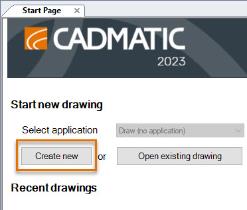
Draw automatically names the new drawings as DrawingN where N is a running number.
Open an existing drawing
You can open existing files
-
By selecting File > Open
-
With the key combination Ctrl + O
-
By clicking Open existing drawing on the Start page:
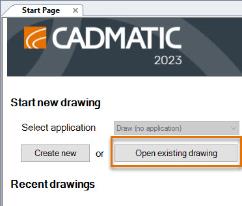
Tip: You can open the directory that contains the drawing you are currently working on (i.e. drawing directory) with Ctrl + E.
Save a drawing
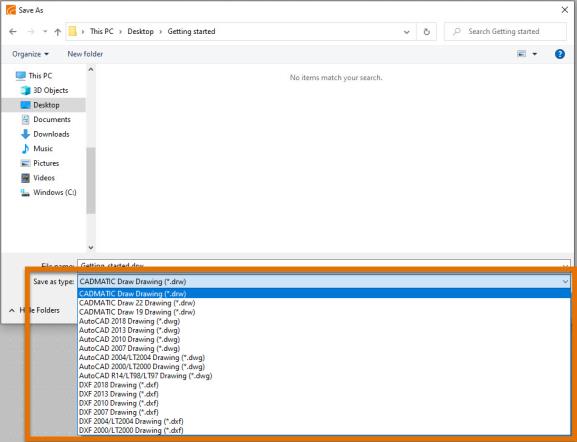
You can save your drawings as DRW, DWG or DXF.
You can save a drawing
-
By selecting File > Save
-
With the key combination Ctrl + S
-
By clicking the Save button:
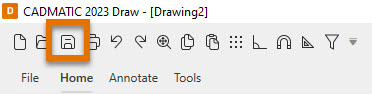
Furthermore, you can save a drawing with a new name by selecting File > Save as.
The Save as function can also be used to convert files to another format by selecting a different file format in the Save as dialog.