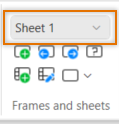
On the Single-line, Distribution Board, Schematics and Cabinet Layout tabs, you can move from one sheet to another by selecting the desired sheet from the drop-down menu in the Frames and sheets group:
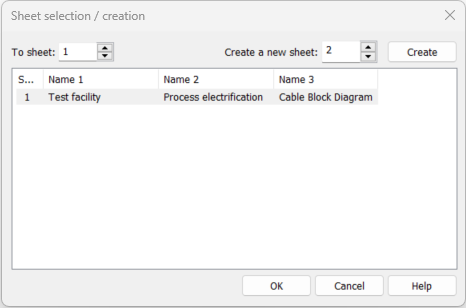
In addition, you can move between the sheets with the following functions:


You can also move from one sheet to another with the PageUp and PageDown keys. With the Home key, you can change the first sheet active, and with the End key the last sheet active.
These functions are also available in CADMATIC Drawing viewer.