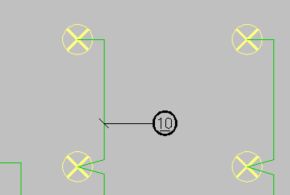
Insert position marks for cables

|
Layout tab > Positioning group > Cable |
With this function, you can add position marks for cables if the project's cable type has a position number defined in cable management.

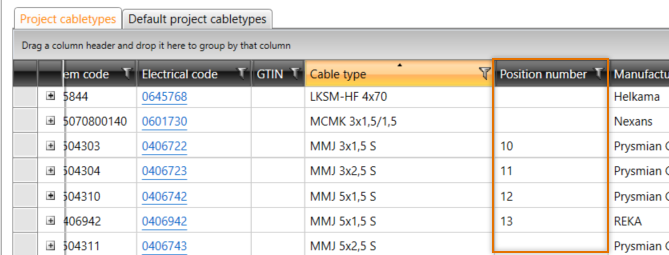
Do the following:
-
Select the cable for which you want to add a position mark.
-
Click to insert the position mark.