Paste data from copied objects
When copying objects, you can paste data from the copied objects to the new elements.
You can define the defaults for pasting in the Electrical settings: Select Electrical tab > Settings group > Electrical. In the Electrical settings dialog, on the General tab next to the Edit attributes after copy-paste option, click Settings. The Paste dialog opens. By default, all information is selected. Click the check boxes for the information you do not want to be selected by default when copying objects.
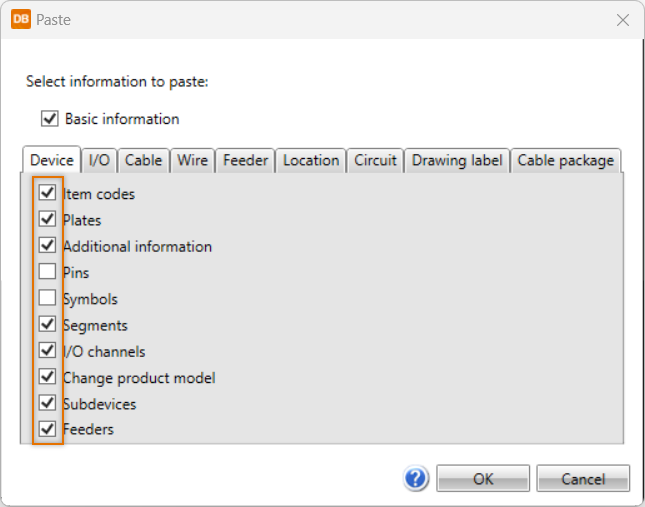
The default selections can be changed in connection with pasting.