
|
Single-line tab > Other functions group > Draw network |
With this function, you can draw a network.
Do the following:
-
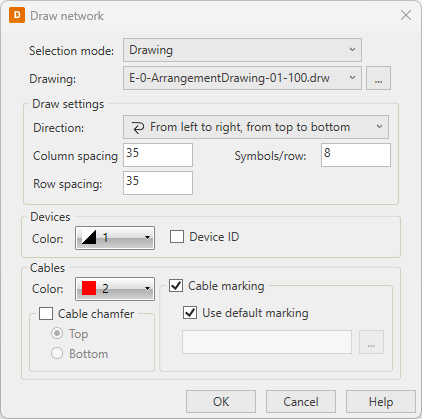
Select drawing, feeder, or device as the basis.
-
Click the
 button to select the drawing, feeder, or device.
 -
Define the drawing settings:
-
Column spacing – Horizontal spacing
-
Row spacing – Vertical spacing
-
Symbols/row – Number of symbols in one row
-
-
Select the device color and whether to include the device ID.
-
Select the cable color and other cable settings.
-
Click OK.