Cabinet Layout tab > Cabinets group >  Draw menu > Guideline grid
Tip: It is useful to draw the grid on its own layer (SAPU), which enables deactivation of the grid from the printout or setting the layer in a 'do not print' mode. Another possibility is to use e.g. the color 11 as the drawing color, which can then be set in the print style to use the mode 'do not print'.
Do the following:
-
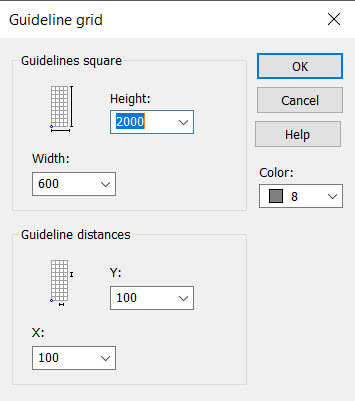
Enter grid size (= cabinet size), grid division and drawing color.
-
Indicate grid insertion point. The grid is drawn on the active layer using the selected line type.