The I/O tab shows all the I/Os in the project. On this tab, you can add, edit, copy and view them. To see the functions, right-click To see the functions, right-click on the desired cell or the selected row:
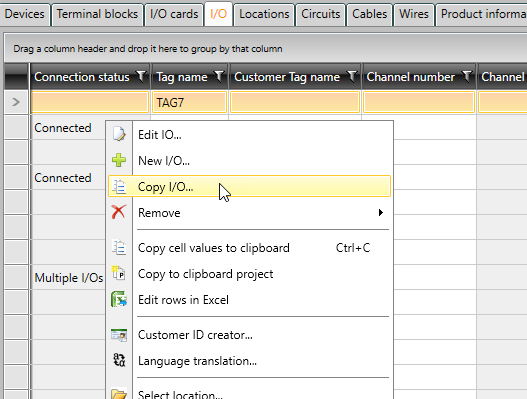
In addition, you can select one or more I/Os and connect them with channels or disconnect them, for example.
The colors in Pin and Pin description columns are as follows:
-
Connected – Light green
-
Connected, read-only – Dark green
-
Product model – Light blue
-
Product model, read-only – Dark blue
-
Read-only – Grey
-
Editing allowed – white