Layout tab > Positioning group >  Device menu > Insert position markings
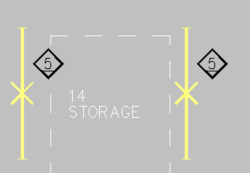
With this function, you can add position mark symbols next to light fixtures, heaters and other devices that have position numbers defined.
Do the following:
-
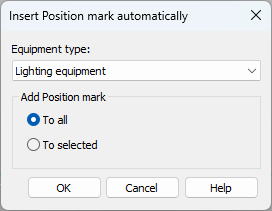
Select the desired equipment type from the drop-down menu.
-
Select whether to add position marks for all devices or the selected ones.
-
Click OK.
-
If you selected to add position marks for the selected devices, select the device occurrences from the drawing.