
|
Home tab > Modify group > Rotate, ROTATE |
Rotate objects.
Do the following:
-
Select the object that you want to rotate. You can select several objects.
-
Confirm the selection by pressing Enter.
-
Indicate the base point that the program rotates the object around.
-
Indicate the angle:
-
Indicate the angle with the mouse.
-
Enter the angle on the command line.
-
Enter the keyword two, select a baseline that starts from the object’s basepoint and select an angle, to which the baseline will be rotated parallel to.
-
Enter the keyword three, select an angle basepoint, a baseline and an angle, to which the baseline will be rotated parallel to.
-

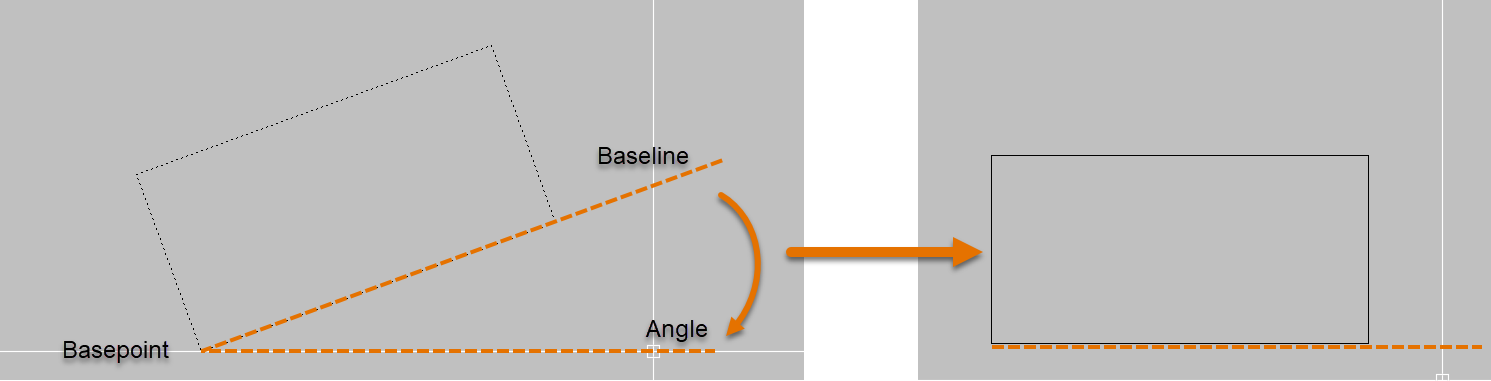
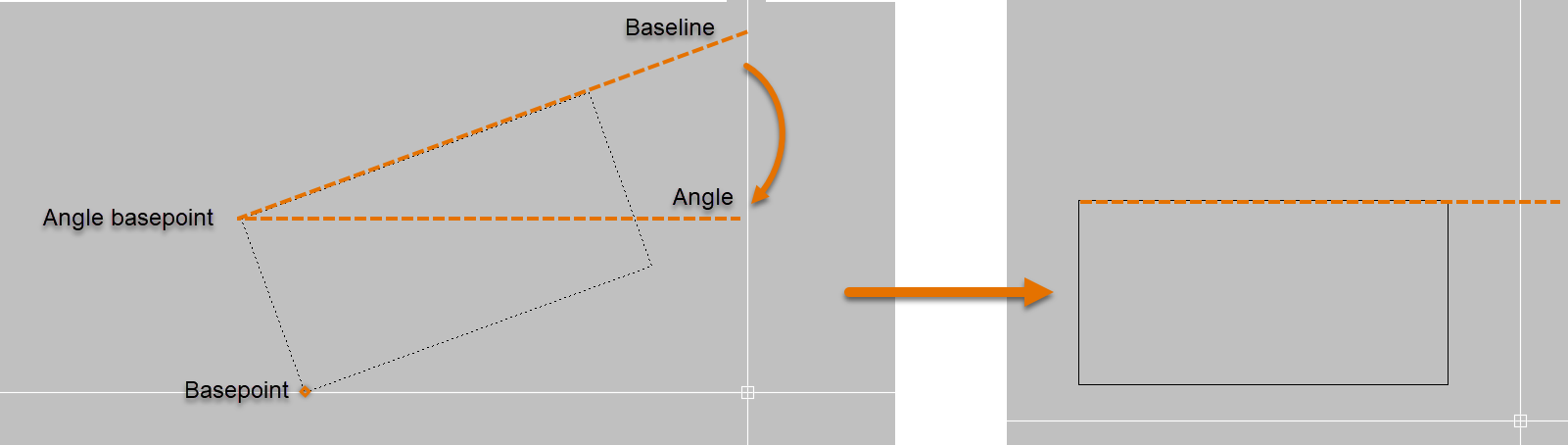
The program rotates the objects around the selected base point.