Layout tab > 3D and view group >  3D functions menu >
  3D symbol functions menu > 3D symbols
With this function, you can open the Symbol selection dialog containing the 3D symbols. To only show specific types of symbols, open the 3D node and select the desired type:
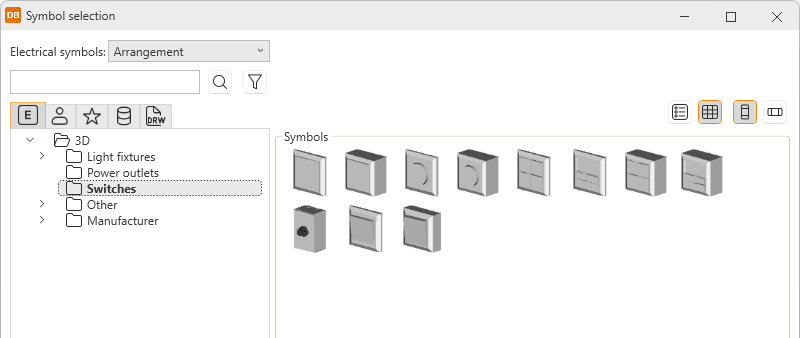
Insert the desired symbol in the drawing by double-clicking it and indicating the insertion point.