DB tool > File > Settings
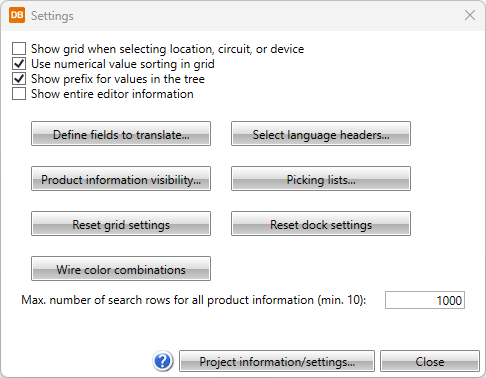
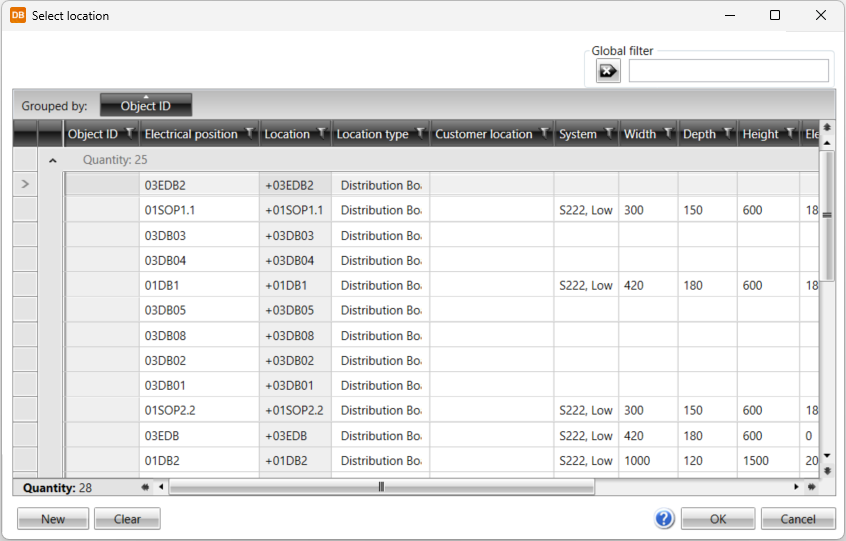
- Show grid when selecting location, circuit, or device – Select this if you want to show the grid view instead of the tree view when selecting location, circuit or device. In the grid view Select location dialog, you can search for a location, circuit, or device with the global filter. You can define the search criterion freely, and you do not need to take wildcard characters * or ? into account.
- Use numerical value sorting in grid – Select this if you want to organize values numerically instead of in alphabetical order.
- Show prefix for values in the tree – Select this if you want to show prefixes for object ID and electrical position (=, +) in the project tree.
- Show entire editor information
-
Define fields to translate – Define which fields in a table are to be translated. See Define fields to translate.
-
Product information visibility – Select fields that will be shown for devices in the Product information column. If you select multiple items they will be separated by semicolons. You can change the order of data with drag and drop.
-
Reset grid settings – Reset all the grid column settings done with, for example, the Show columns function.
-
Wire color combinations – You can... See Define wire color combinations.
-
Select language headers – You can select which languages are shown in the DB tool grids and on reports. See Select languages to show.
-
Picking lists – You can define a list on constant values to the data used in projects. See Manage picking lists.
-
Reset dock settings
-
Max. number of search rows for all product information (min. 10) – This defines maximum count of product information displayed at the time when All databases -tab is selected from product selection.
In addition, you can create new locations, circuits, and devices with New. With Clear, you can clear the location, circuit or device information from the source.

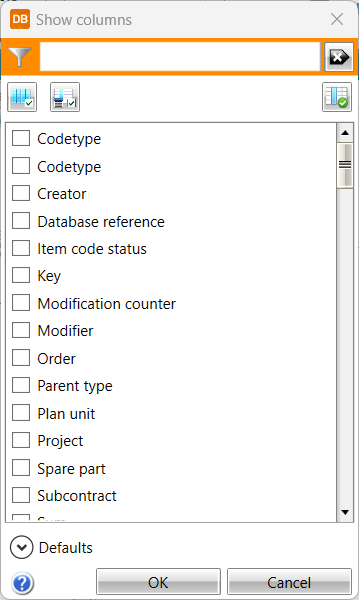
Note: If you have customized column visibility or value order a lot, these changes will be lost!