The Electrical DB tool works as a nucleus of functions associated with the database. This tool helps in managing project information as well as general device and cable databases. The DB tool consists of the project tree, project information tabs and database functions.
You can open the DB tool in the following ways:
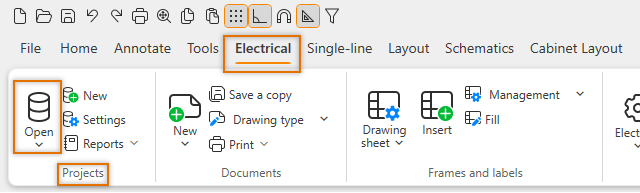
- Select the Electrical tab > Projects group > Open.
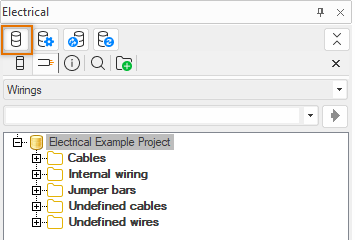
- In the Electrical window, click the
 (Open DB Tool) button.
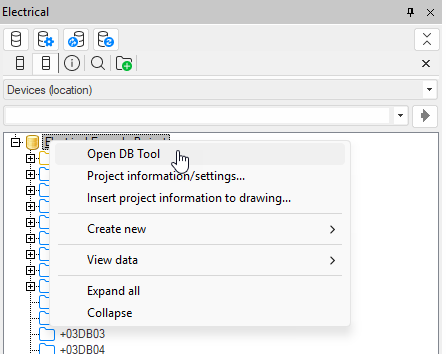
 - In the project tree in the Electrical window, right-click the
 icon representing the project and select Open
DB Tool.
icon representing the project and select Open
DB Tool.

In the DB tool, you can open another DB tool by selecting File > Open new DB Tool.
Open or change a project by selecting File > Open project. You can also open a project by dragging it from File Explorer to the File tab or by right-clicking the database file and selecting Open with.
Tip: Ctrl + E opens the project folder.
Some of the functions can also be used on the drawing side (see Projects).