My account
To view user account information, select user name in the menu.

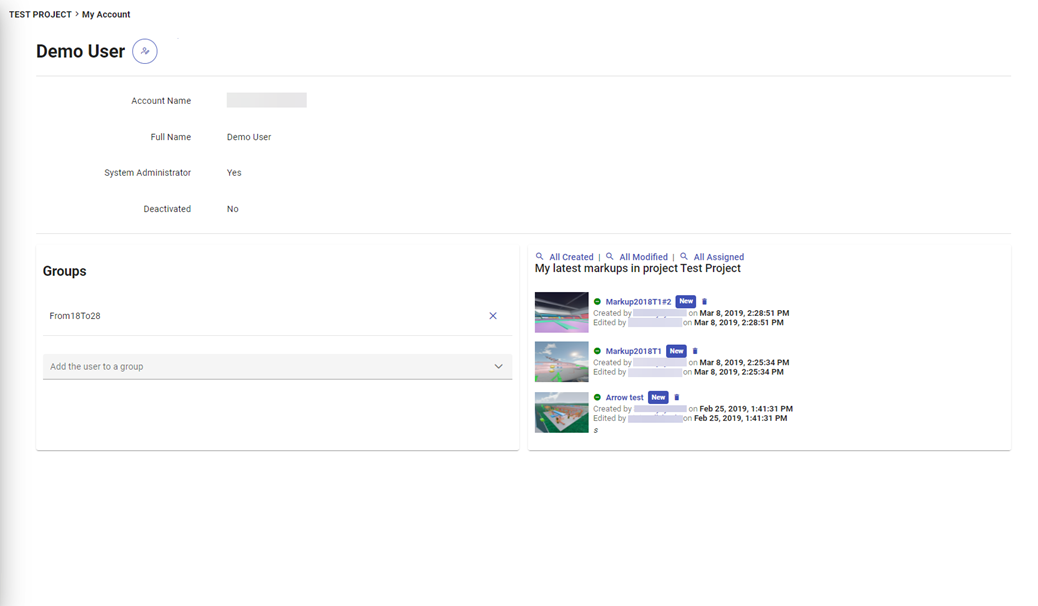
In My account view you can:
-
change the color theme of the user interface from the top right corner.
-
view user details and edit full name
-
modify account settings:
-
Open model links directly in model view– Specifies if model links are opened directly in model view or object properties shown first in properties pane. If set to No, the links open properties pane showing the object details. If set to Yes, links open directly in model view.
-
-
view groups you belong to
-
view either all or the latest markups in the current project