Status tracking and object grouping
Status tracking allows the various stakeholders to track the status of the design project and to provide feedback to others. That is, when a user is navigating in the 3D model in CADMATIC eShare or CADMATIC eGo, the 3D view can highlight and categorize objects and object groups based on their status tracking values. Users who have sufficient permissions can change the status values in the properties pane. From search results the status values can be exported to a spreadsheet file.
When a user changes the status of an object in the 3D view, the color of the object changes to match the respective visual style, if the visual style is currently selected to be in use. In object examination mode, however, the colors are not visible. If status tracking is defined for an object group, changing the status of one object in the group will automatically change the status (and color) of all objects in that group.
It is also possible to select multiple objects that have different status values and change their status to a specific common value.
In the Status Tracking and Object Grouping settings, project administrator can create the status trackers and tracking values that are needed in the project.
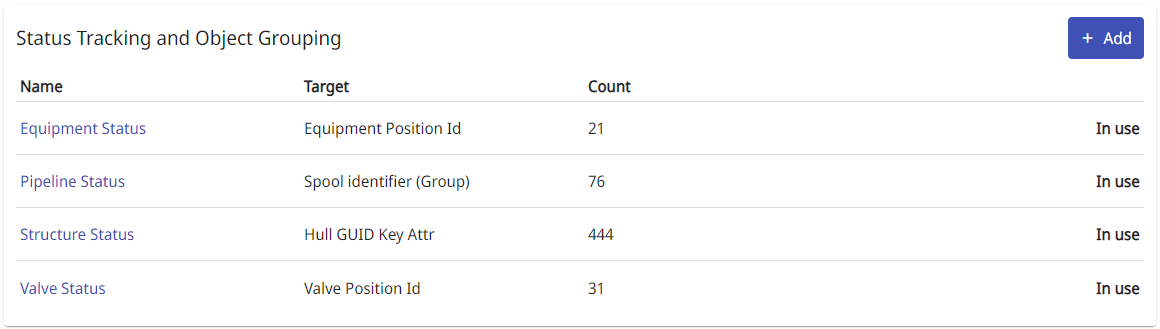
Status tracking types can be removed using  button also after they have been taken into use in 3D, but deleting a status tracking type will also delete all the related status trackings. In the confirmation dialog select Delete status tracking type.
If there are deleted status tracking types, you can select to show or hide them on the list by selecting Show deleted or Hide selected.