Getting help
In the System Management application, when you open a settings dialog also the corresponding help page opens.
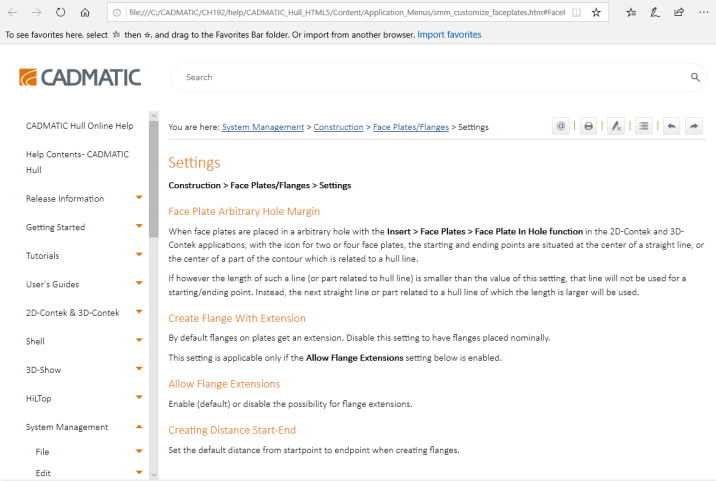
If you do not want the help to open automatically, clear the setting Extra > User Interface > Preferences > Show "Help" when opening a setting. You can then manually open the related help page by pressing F1 or clicking the  (Help Active Subject) button in the toolbar.