Additional dialogs
Certain commands will cause an additional dialog to appear on the screen. Additional dialogs contain input fields for entering data and buttons for various functions, such as executing the command for example.
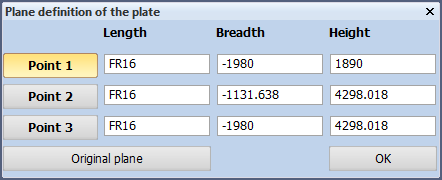
The buttons and input fields can be selected with the mouse, but you can also use the keyboard to get to them. By pressing the Tab key, the input focus moves to the other buttons and input fields.
If the selected command modifies existing items, a selection dialog will appear, such as when using the Deleting Construction Parts option. Otherwise, an entry dialog will appear to accept input from the user.
No entry dialog will appear in some cases where you have to provide only a few pieces of information. Instead of in an entry dialog, the input fields are included in the selection dialog.