Graphical window
The graphical window is the most important window in CADMATIC Hull application. In this window you can create and view drawings.
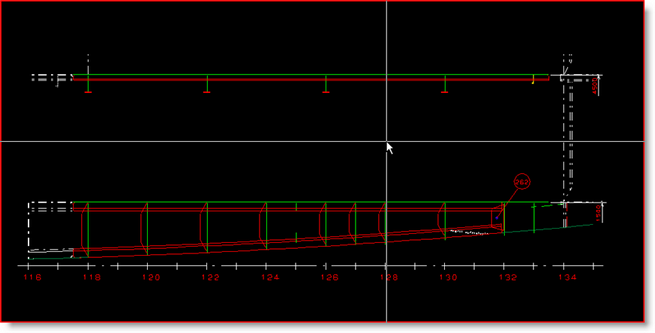
When the mouse pointer is positioned in the graphical window, the cross hair becomes visible. The graphical window supports several mouse cursors.
The drawing area also supports right mouse clicks depending on the active function and the selection (see Context menu).
When the cross hair is moved across the graphical window it has an arrow-shaped pointer:

When commands are being executed, the pointer may change into either a wheel  or an hourglass
  . This indicates that you should wait until the command has been executed. No other commands can be executed at that time.
When the cross hair is moved across a drawing, the shape of the pointer switches to indicate the type of feature that the cursor will snap to if clicked:
 Indicates the endpoint of a line
 Indicates an intersection of two lines
 Indicates a point on a line
 Indicates a point perpendicular to a line
The switching of the cross hair is called the latching. (See also Latching).