Show bevels
Note: This topic only applies to Hull Viewer in combination with CADMATIC Hull. These functions are not available in the stand-alone version which is also referred to as Work Preparation Manager.
To display bevels in Hull Viewer, click the Show bevels button  on the toolbar or select View > Bevels > Show Bevels from the menu.
Beveled plate edges are now colored:
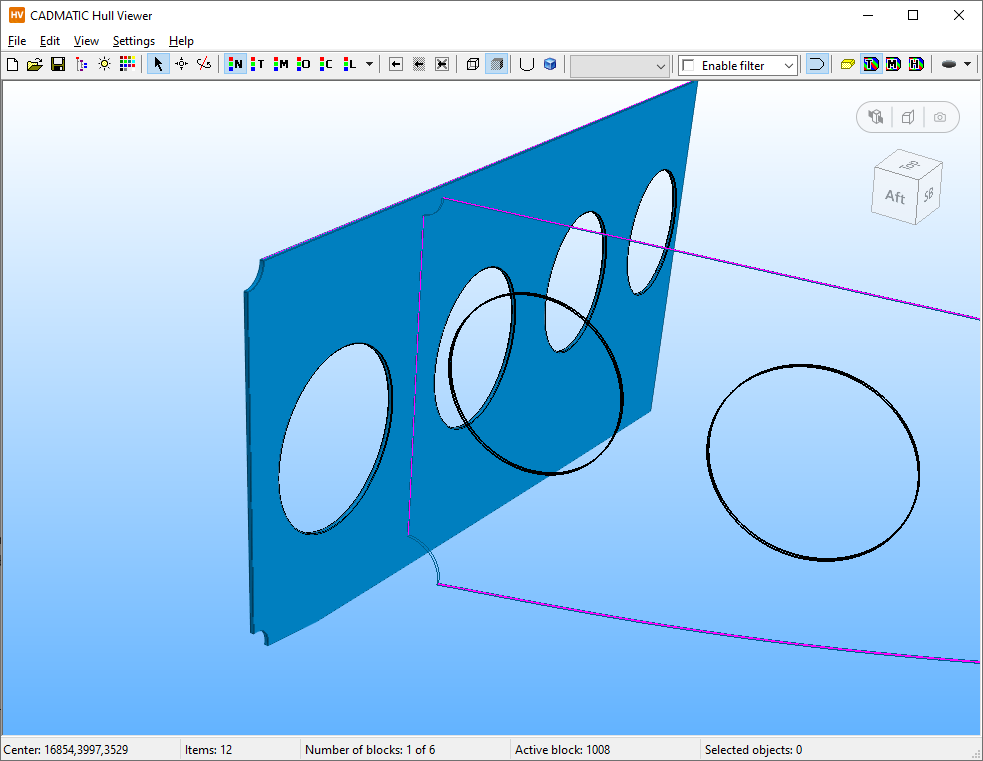
Depending on the bevel type the moulded side or the thickness side or both are being highlighted.
The colour can represent 3 different bevel properties:
- Bevel type (T)
- Weld method (M)
- Throat height (H)
Which property is being used for the colour can be selected with the T, M and H buttons on the toolbar or in the View > Bevels menu:

The  icon toggles the display of a bevel detail:
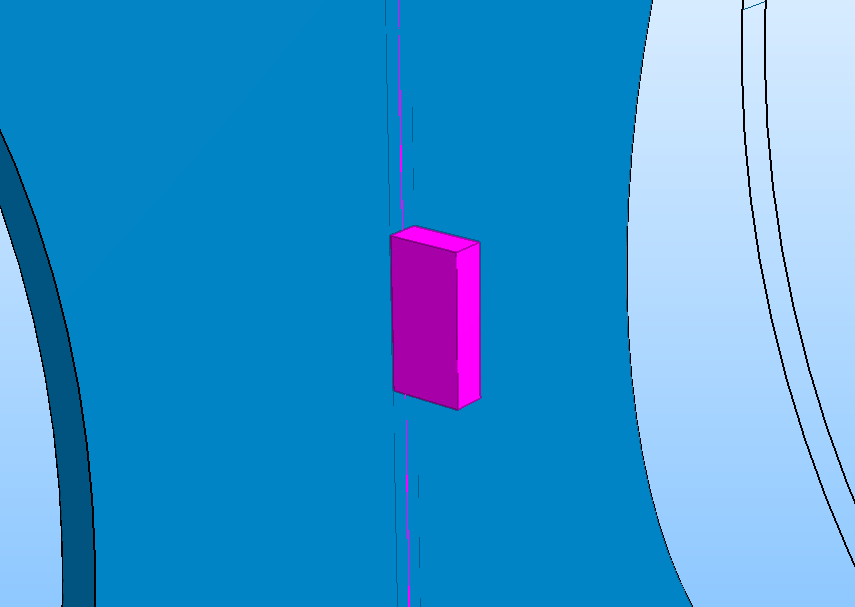
Which gives an accurate representation of the actual bevel shape when the part is in the 'Wireframe' mode.
The colours used for highlighting the beveled edges can be specified in the preferences (see Bevels).