Failure to copy license file during installation
Symptom
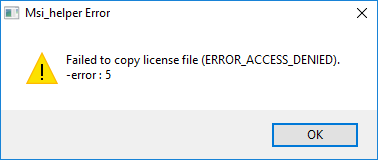
CADMATIC License Server installation prompts you that it failed to copy the license file.
Reason
This problem can occur at the stage where the installer copies the license file to the license server folder and renames the .cry file as lcf_cad (no file name extension). In some cases folder permissions or some other system settings prevent this, and the file fails to be copied.
Suggested action
Copy and rename the license file manually, as described below.
-
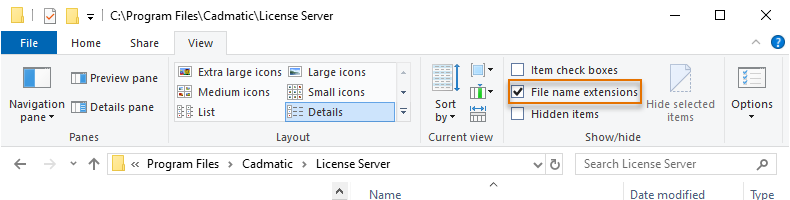
Make sure Windows Explorer is set to show file name extensions.
-
Copy the license file (.cry) to the license server installation folder. The default location is C:\Program Files\Cadmatic\License Server\.
-
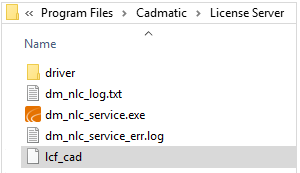
Rename the new copy of the license file as lcf_cad. Make sure the file has no file name extension.
-
Start the license server and check that it contains the expected licenses.