Layer and Style Mappings
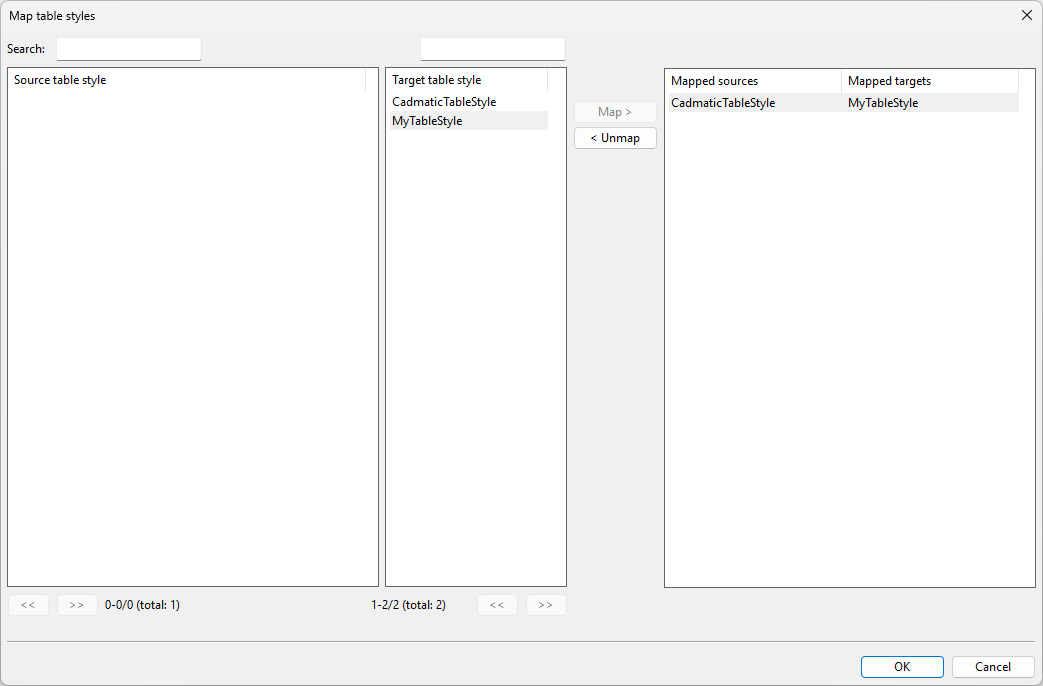
In the Layer and Style Mappings dialog, you can specify how to map various imported entities.

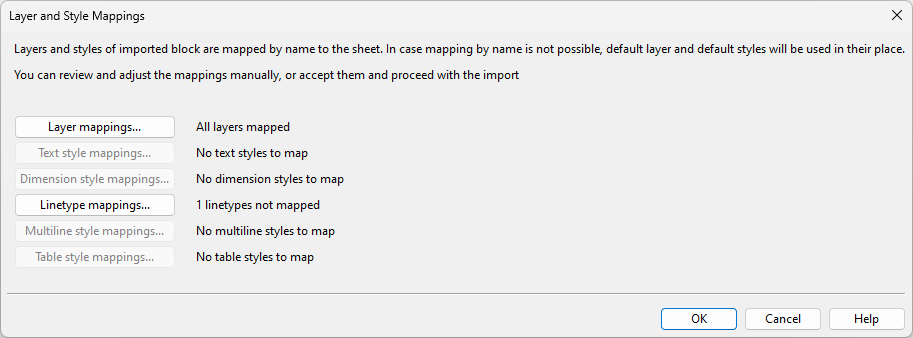
In the entity type-specific mapping dialogs, you can use the Search filters to display only entities that match the specified string.
Layer mappings
Layer mappings opens the Map layers dialog, where you can map the imported layers to those defined in the Layer configuration.
Unmapped layers will be automatically assigned to the default layer.
Text style mappings
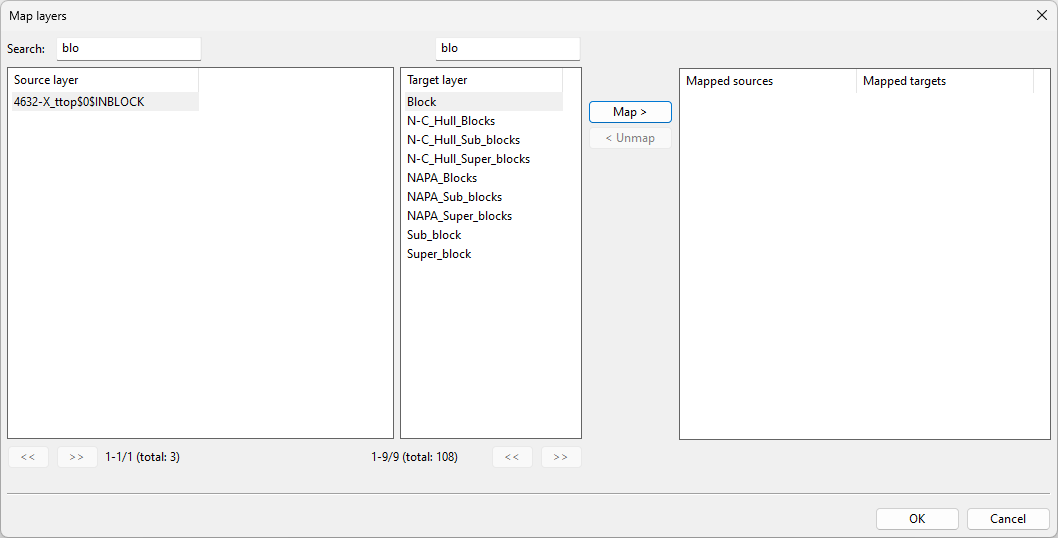
Text style mappings opens the Map text styles dialog, where you can map the imported text styles to those defined in the Text styles configuration.
Unmapped text styles will be automatically assigned to the 'CadmaticTextStyle' default style.
Dimension style mappings
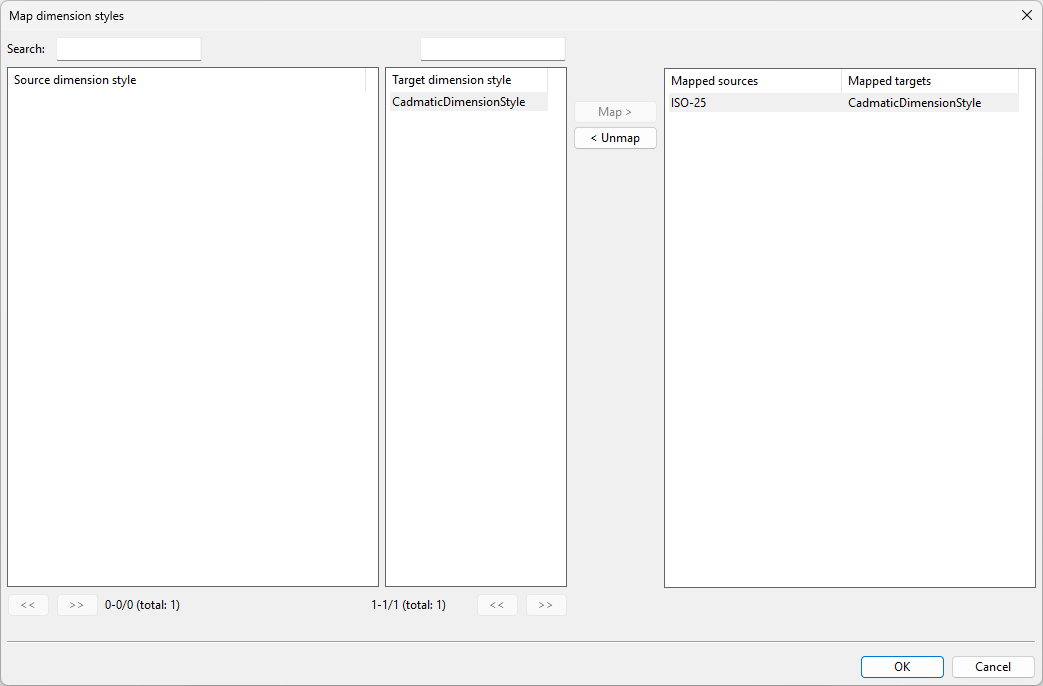
Dimension style mappings opens the Map dimension styles dialog, where you can map the imported dimension styles to those defined in the Dimension styles configuration.
Unmapped dimension styles will be automatically assigned to the 'CadmaticDimensionStyle' default style.
Linetype mappings
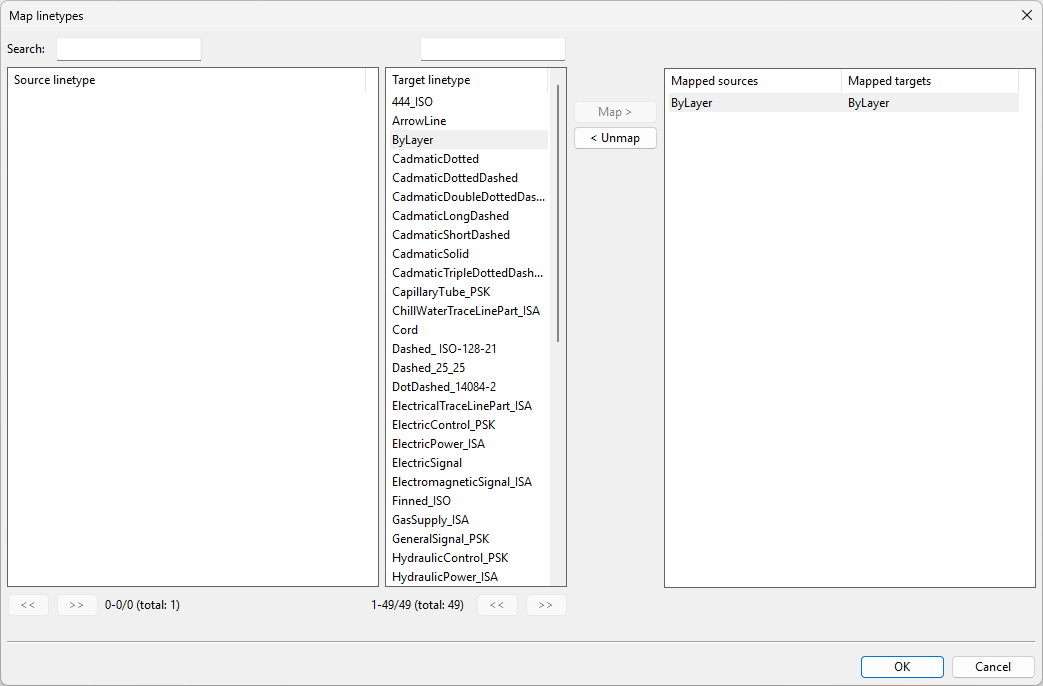
Linetype mappings opens the Map linetypes dialog, where you can map the imported linetypes to those defined in the Linetypes style configuration.
Unmapped linetypes will be automatically assigned to the 'CadmaticSolid' linetype.
Multiline style mappings
Multiline style mappings opens the Map multiline styles dialog, where you can map the imported multiline styles to styles defined in the Multiline styles configuration.
Unmapped multiline styles will be automatically assigned to the 'CadmaticMultilineStyle' default style.
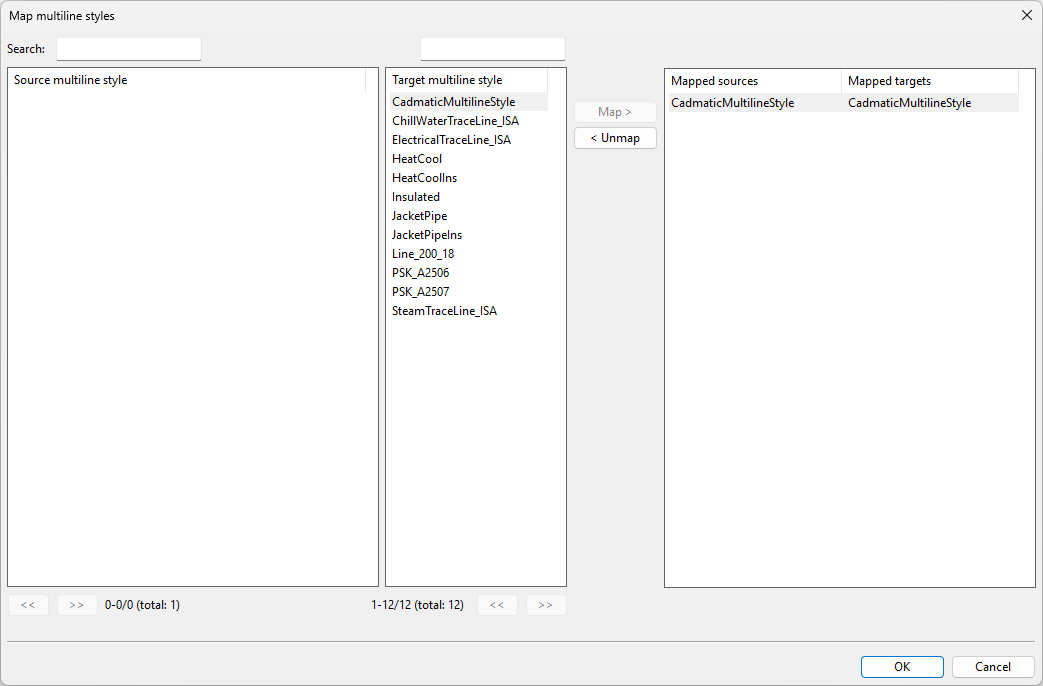
Table style mappings
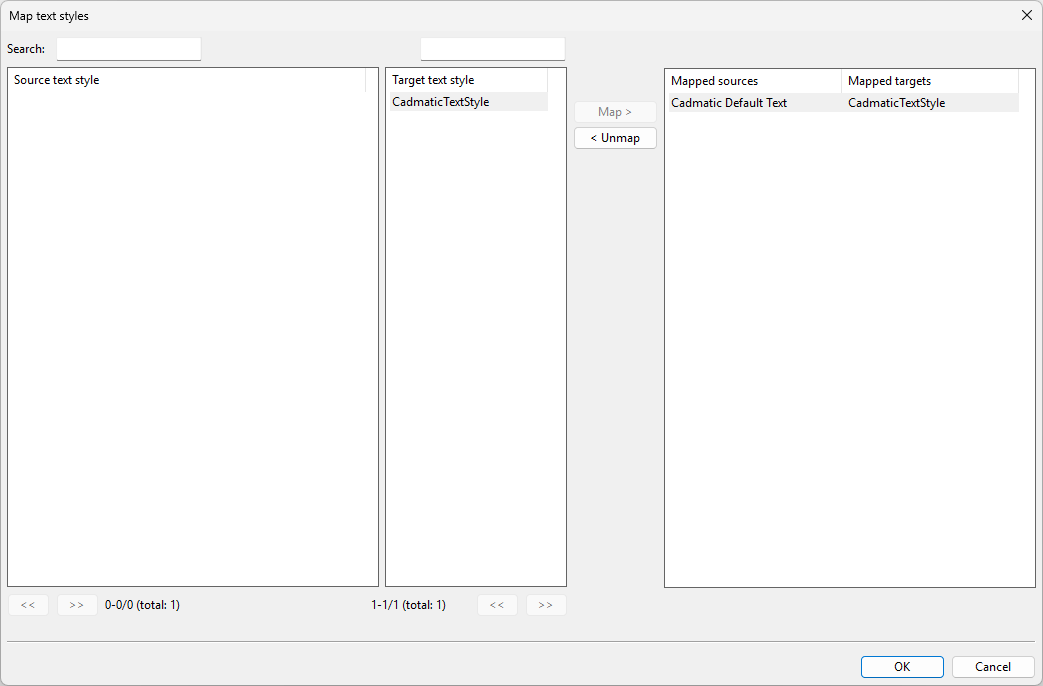
Table style mappings opens the Map table styles dialog, where you can map the imported table styles to those defined in the Table styles configuration.
Unmapped table styles will be automatically assigned to the 'CadmaticTableStyle' default style.