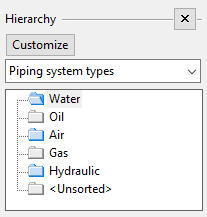
Hierarchy commands
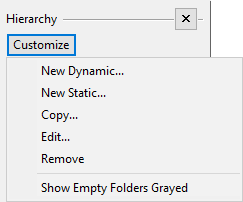
To manage hierarchies in the object browser, open the Hierarchy pane and click Customize to use the following commands:
-
New Dynamic – Creates a new dynamic hierarchy. See Dynamic hierarchies.
-
New Static – Creates a new static hierarchy. See Static hierarchies.
-
Copy – Creates a copy of the current hierarchy.
-
Edit – Allows you to modify the current hierarchy.
-
Remove – Deletes the current hierarchy.
-
Show Empty Folders Grayed – Some of the dynamic hierarchies can be empty if there are no objects that match the given attributes. Selecting this option allows you to see which folders contain objects and which do not.