Query types
There are three main types of queries, based on how permanent and accessible to others they are.
Ad hoc queries
An ad hoc query is temporary and available only to the user who creates it.
Simple queries are usually of this type. They are created in the context of the user's current workflow and do not need to be saved for future use. In the object browser, they can, however, be saved as Favorites.
Advanced queries can also be ad hoc. You can, for example, use an ad hoc query in the Find tool to find a set of objects.
Project queries
Project queries (also known as model queries) are advanced queries that are stored in COS and available to everyone in the same project.
Project queries can be added, edited, and deleted in File > Environment > All Library and Project > [project] > Model Queries.
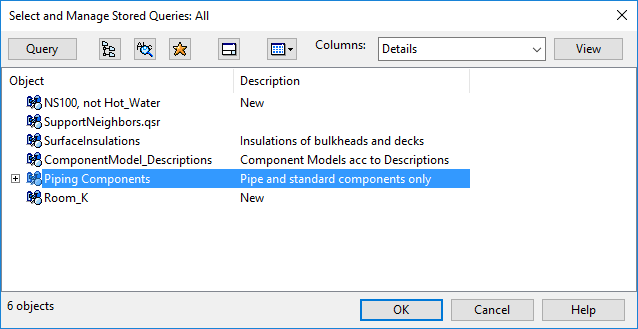
When you choose to use a project query for selecting model objects, an object browser opens, displaying a list of available queries.
Private queries
Private queries are advanced queries stored in the project directory, using the file name extension *.qsr. A private query is only available to the user who creates it.
Private queries can be managed in the user interface that opens when you choose to use a private query for selecting model objects.
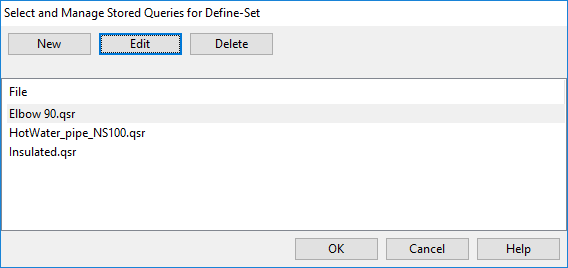
If a new query is needed, click New and specify the query details as described in Query editor.
Otherwise, select a stored query from the list and perform one of the following actions:
- Click OK to run the query.
- Click Edit to open the query in the query editor.
- Click Delete to delete the query.