Cone

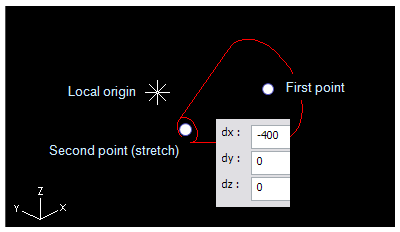
A cone is defined by:
-
First point which is located at the center of the first end.
-
Second point (Stretch) which defines the center of the other end and thus the direction and the length of the cone.
-
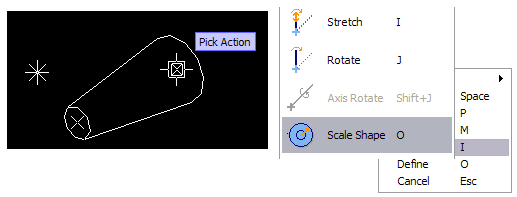
Click one of the action points at the center of the cone end (selected one is rounded by rectangle).
-
Use context menu (RMB) to select an action Scale Shape.
-
Use context menu (RMB) to select a method to define the radius for the cone.
-
Select the other action point and repeat.