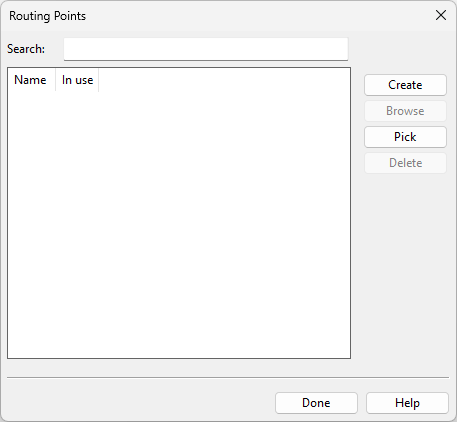
Routing points

In the Routing Points dialog, you can manage cable routing points.
Prerequisites
-
The option that allows creation of partial cable routes is enabled in Cables.
Do the following:
-
Select Cabling tab > Cables group > Routing points. The Routing Points dialog opens.
-
Create the required routing points.
-
Click Done.

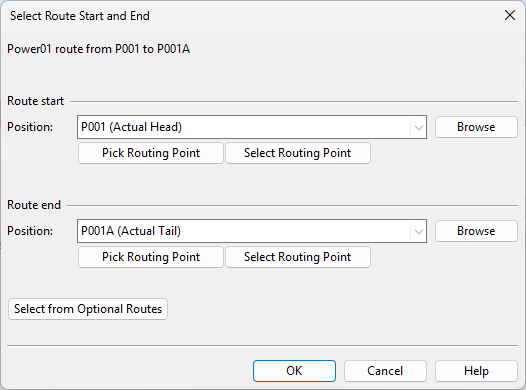
Select Route Start and End
Starting automatic or manual routing for a cable in the Not Routed tab of the Cable list pane opens the Select Route Start and End dialog.
In this dialog, you can set the start and end points to either equipment or routing points defined in the Routing points dialog.