Browse line
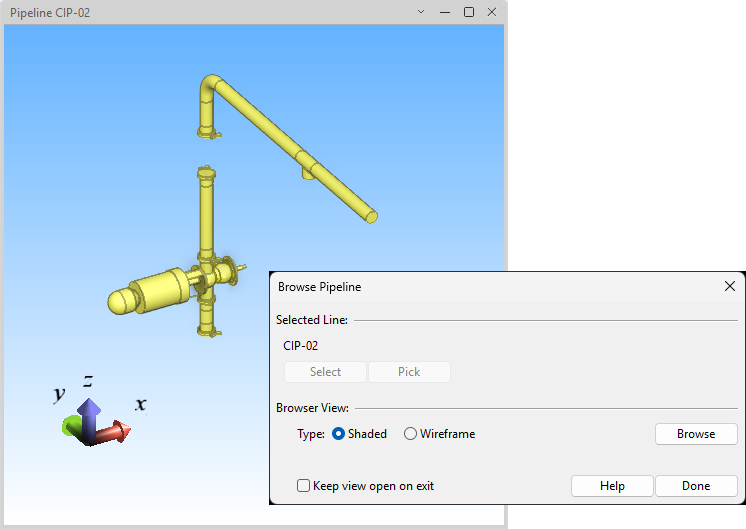
You can use the Browse line command to display the 3D model objects of a pipeline, ductline or cable tray in a separate view. You can do this, for example, to check that you have inserted all the components to a specific line.
-
Type – Choose whether to display a shaded or wireframe view.
-
Browse – Browse the temporary view, for example, to change the view direction.
-
Leave view open on exit – Select this option to keep the temporary view open when this tool is closed.