Options
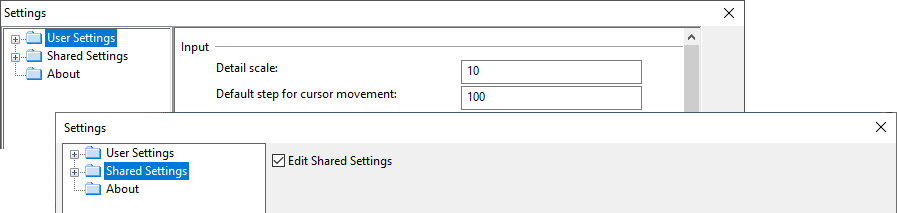
Selecting File > Options in Plant Modeller opens the Settings dialog where the users can adjust the user interface according to their preferences and project administrators can define shared settings that are applied to all users.
Use the folder tree on the left side of the dialog to locate the settings you want to edit. The settings in the Shared Settings tree can only be edited when the Edit Shared Settings option is selected.