Position from reference grid (Ctrl+R)
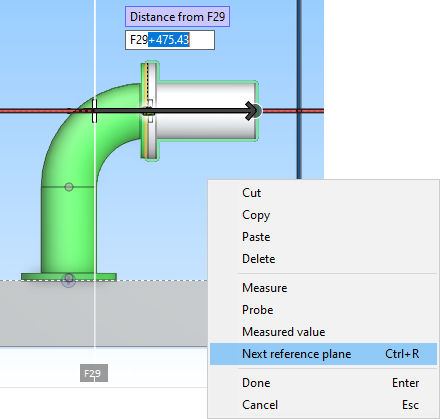
The Position from reference grid (Ctrl+R) command shows the grid of reference planes in the work view and adds the nearest reference plane to the distance field. This allows the cursor position to be defined using an expression that is based on a reference plane, such as "F29+500".
If the initially selected reference plane is not the one you wanted to use, you can switch to the next available reference plane with the Next reference plane (Ctrl+R) context-menu command. Normally, you can use this command to toggle to an X, Y or Z reference plane, but if cursor's direction is locked, the command only switches between reference planes that are located in the given direction.