Start the P&ID application
After your administrator has set up your environment as described in Diagram tutorial, start the P&ID application.
Do the following:
-
In the CADMATIC desktop, browse to your workspace in the Example Project.
-
Double-click the icon for the P&ID area to start the application.
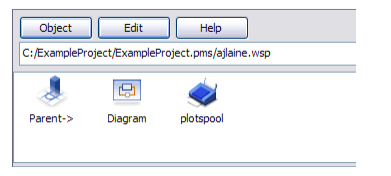
-
Click Yes to synchronize systems and pipelines.
This message appears when you start the application for the first time after you have created a project.
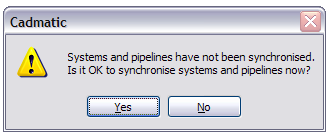
-
If the project has diagrams, as the Example Project does, click Yes to open imported diagrams from an ASCII format file.
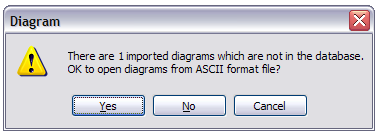
-
Click Yes to integrate old diagrams and models to new, corresponding ones.
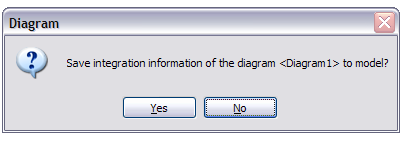
You have now started the application and successfully configured the required settings.