Layout tab > Devices group >  Symbol functions menu >
  Light fixtures menu > Light fixture
With this function, you can create a light fixture symbol according to your own definitions. If you want, you can save the symbol to the User light fixtures menu.
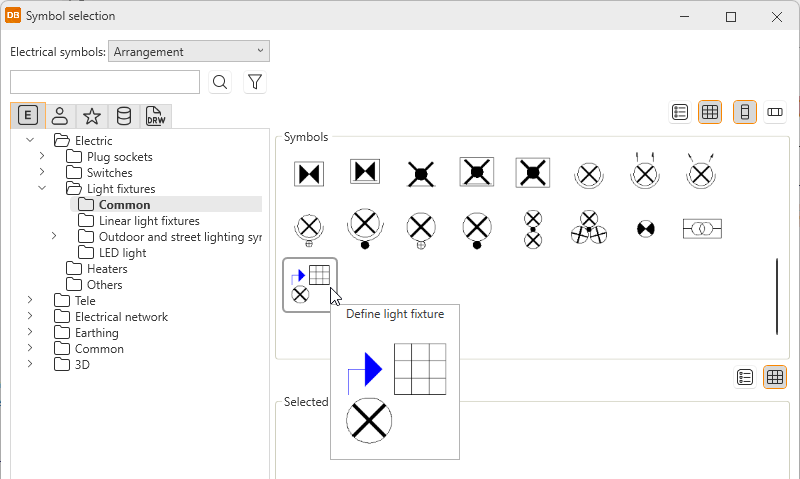
You can also start the function via a product model by selecting the Define light fixture option in the Symbol selection dialog.
You can define the same information as when inserting the symbol. The information will be saved as product model properties.
Do the following:
-
Enter the definitions for the light fixture.
-
Indicate the position of the light fixture in the drawing.
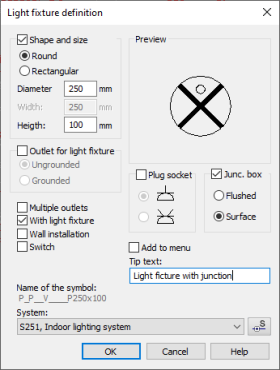
You can also define size data for the light fixture. The symbol saved in the menu then already has the size data, and there is no need to define it separately.