Translate terms as a mass
DB tool > Management tab > Translations group > Translations menu > Translation management
You can translate texts as a mass with the Translate into another language function which uses AI. By default, the function allows translating into languages shown as columns in Translation management.
Do the following:
-
If you want to translate into languages not shown as columns in the grids, select the languages to be shown: right-click the column header row, select Show columns, and select the desired languages in the Show columns dialog.
-
On the Project terms tab, select the rows you want to translate.
-
Right-click and select Translate into another language.
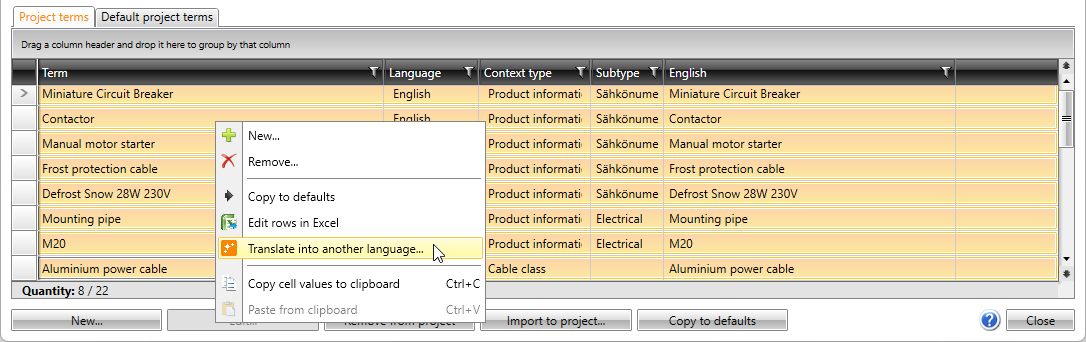
The Translate into another language dialog opens.
-
Select the desired language from the Language drop-down menu.
-
If you do not want to use existing translations, clear selection for Use existing translations from the standard database.
-
Click OK.