Editing project details
You can edit project details in project administration view.
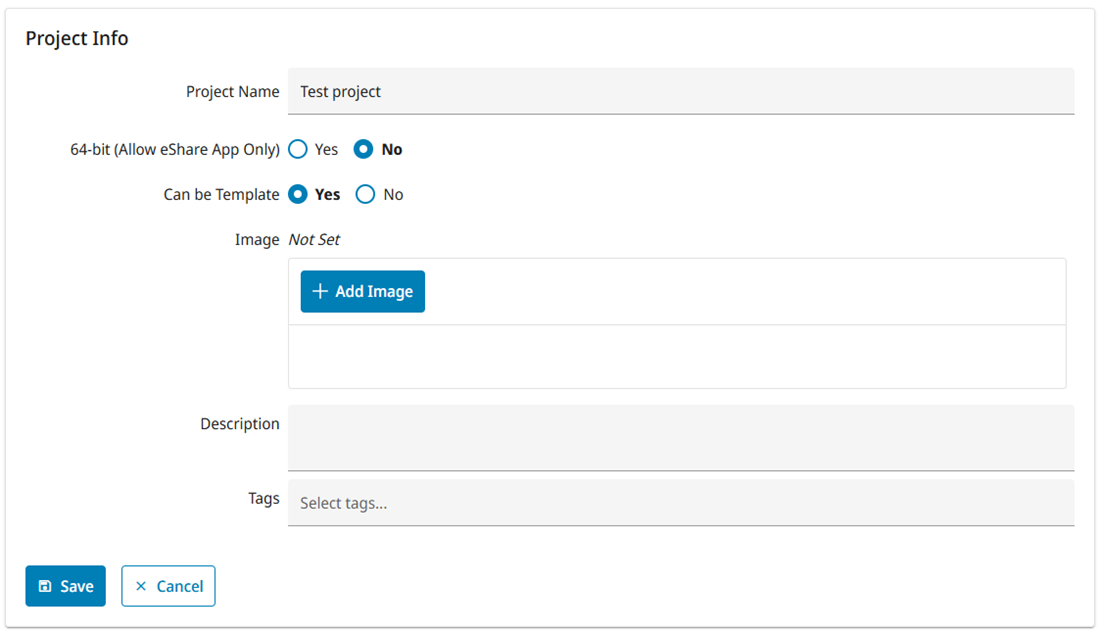
Do the following:
-
Navigate to the project to edit, and then click Project Admin in the main menu. The project administration view opens.
-
In the General view, click Edit in Project Info pane. The Project Info view opens.
-
Edit the project information.
Coordinates can be entered manually or selected from the map using Select from map, if Map support is enabled for the project by the system administrator. See Map support.
The first time the map is opened, it prompts for location permission. If enabled, it will initialize the location at your current location, or if the project has a location already that will be used instead. Otherwise a predetermined location is used. You can select a location from the map by clicking, which updates the coordinates and is visualized with a marker on the map. To close the map, select Close map.
-
Click Save.