Balloons
When the mouse is hovering over a part in Hull Viewer, an information balloon can be popped up by pressing the key i:
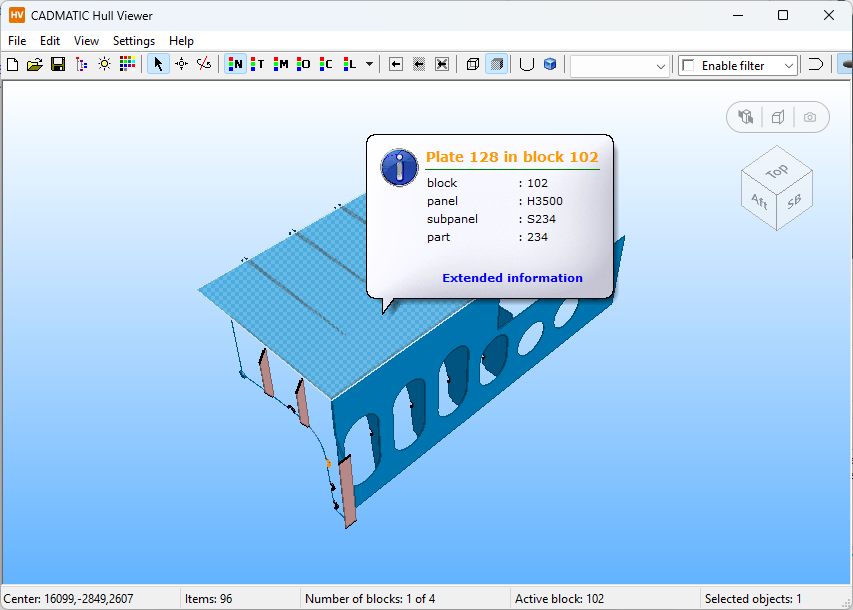
When a structural part is selected, the contents of the balloon can be configured in the System Management application (see Balloon Settings).
The balloon information for bevels, hull groups and hull curves is fixed.
When equipment is selected, the contents of the balloon depend on the attributes stored in the 3D Dump (.3dd) file:
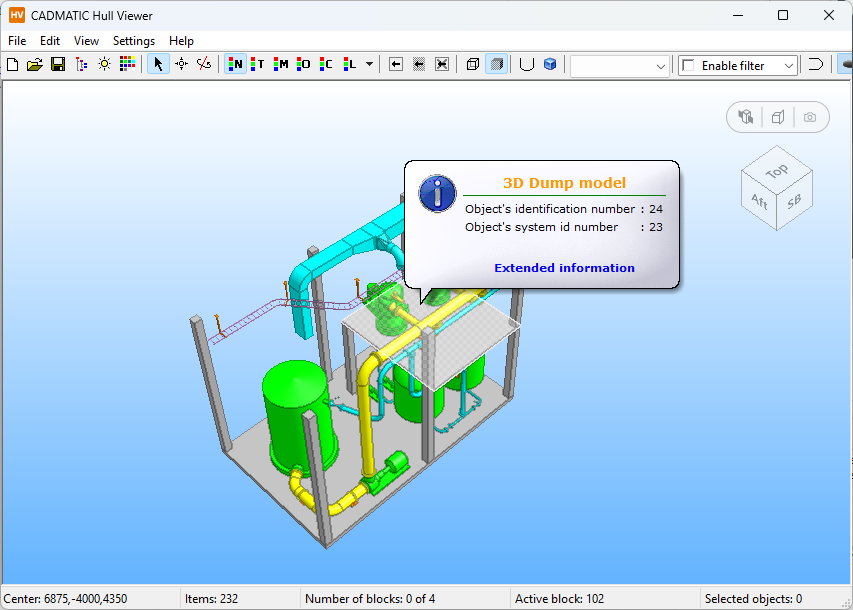
Clicking Extended information opens the Item Information dialog for the selected item.