Attributes

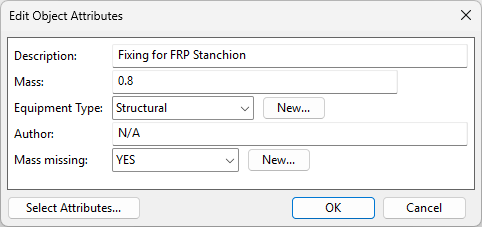
On the Component Modeller tab, in the Component model group, selecting Attributes opens the Edit Object Attributes dialog, where you can manage the attributes of the GDL object.
Adding the 'Description' attribute display its value in the Object column when selecting component models in an object browser. Otherwise, this column displays '<unnamed>' as the description.
Component models built from COS objects inherit attributes in the following order:
- Attributes defined in the GDL objects.
- Attributes defined in Parametric models.
- Attributes defined as Computed attributes.