ETIM (European Technical Information Model) is a way of classifying and informing product's technical information in a unified way. With ETIM data, you can define technical details or requirements that must be met when selecting products.
In Electrical, ETIM information is additional information for devices, cables, product models, etc. Selection can be made from the ETIM database, which is provided with the application.
You can import pieces of information as well as files.
Learn more:
Import information
Do the following:
-
Open one of the following:
-
The Additional information tab in product model properties (via creating a new product model or editing an existing one, for example)
-
-
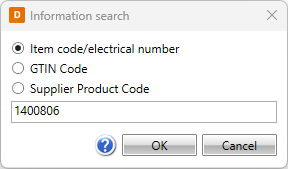
Click ETIM. The Information search dialog opens.
-
Select search criteria: item code/electrical number, GTIN code, or supplier product code.
-
Enter the information you need in the field:
-
Click OK. The Import ETIM information dialog opens.
-
Select the desired basic and technical information to import for the product model.
-
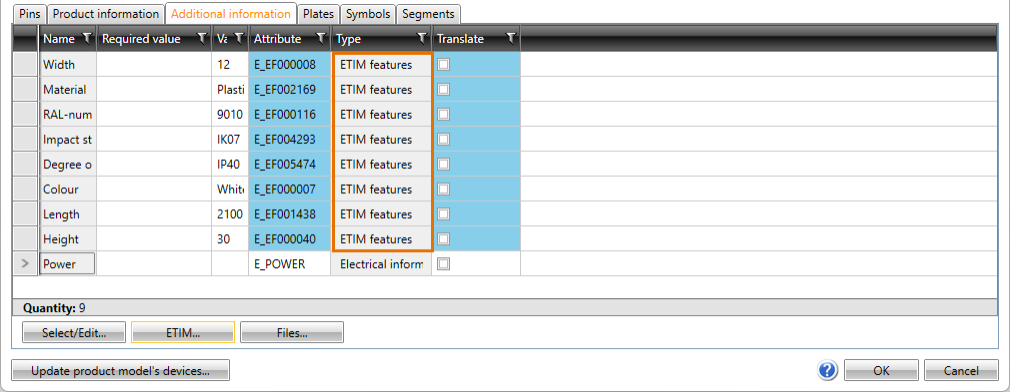
Click Import. The imported information is shown on the Additional information tab:
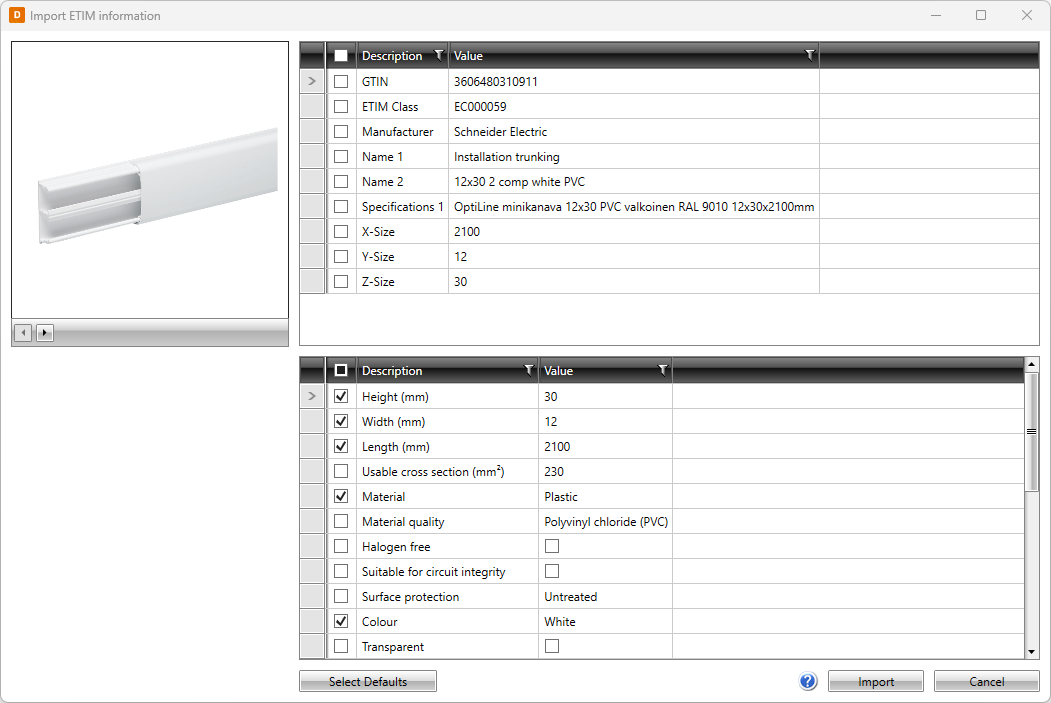
With Select defaults you can select items that are recommended for each device type.
Import files
Do the following:
-
Click Files. The Information search dialog opens.
-
Select search criteria: item code/electrical number, GTIN code, or supplier product code.
-
Enter the information you need in the field:
-
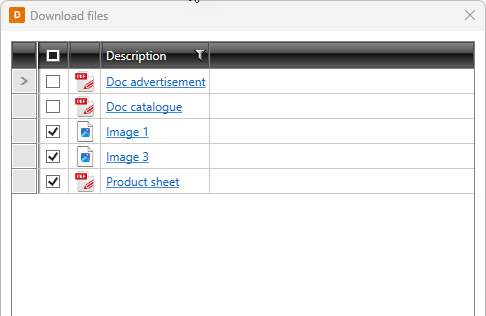
Click OK. The Download files dialog opens.
-
Select the files to add for the product model.
-
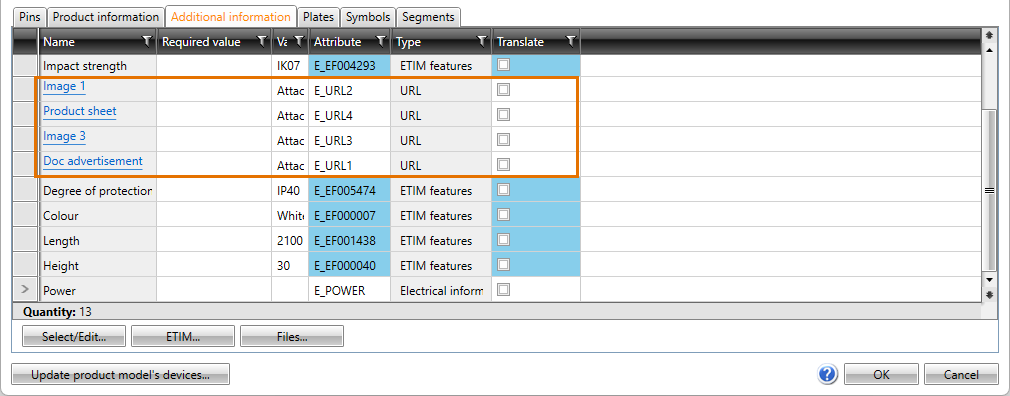
Click OK. The documents are shown on the Additional information tab as links: