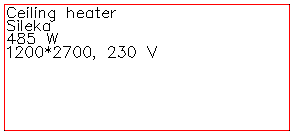
Layout tab > Devices group >  Symbol functions menu >
  Heaters menu > Ceiling heating
With this function, you can define a ceiling heating symbol and insert it into the drawing.
When you add the ceiling heating symbol to a product model, you can define the same information as when inserting the symbol. The information will then be saved as product model properties.
Do the following:
-
Enter the element size, elevation and other data in the dialog.
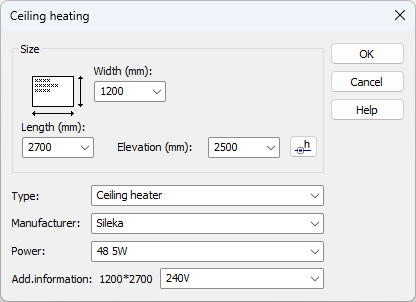
The information you enter will be saved as options in the drop-down menus to be used later.
-
Indicate the position of the ceiling heating element in the drawing.