List

On the Weld tab, the List group includes the following tool.
Welds

Select Weld tab > List group > Welds to open the Weld List dialog, where you can manage the welds in the active Weld group. You can change the active group from the ribbon, or use Pick to select a weld from the 3D model, which sets the active group to that weld's group.

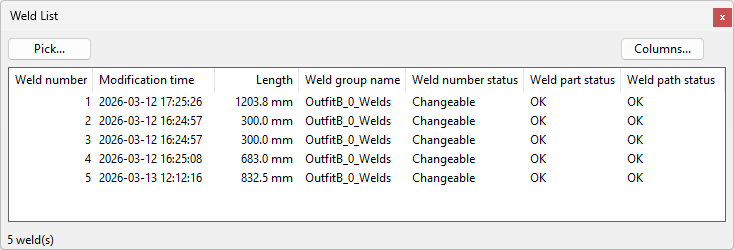
When the weld list is open, the Edit tools and Export apply to the welds selected in the list. You can show more information for the welds by clicking Columns and selecting which columns to display in the dialog.
Switching to another Plant Modeller tab or starting an action like editing a weld document will temporarily hide the weld list.
You can right-click the list to perform the following commands:
-
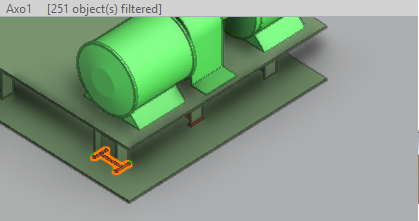
Go to – Select this command to locate the selected weld in the 3D model. The weld is displayed in X-ray mode for easier inspection. Press Esc to return to the list.
-
Refresh – Select this to update the list.